Quick answer
Pick a paper size, or type your own dimensions, and the converter gives the size in millimetres, centimetres, inches and pixels at the resolution you choose, plus the size with 3mm bleed for artwork. To turn pixels into a print size, switch to Image pixels: at 300dpi, divide the pixel width by 300 to get inches, then multiply by 25.4 for millimetres. A4 is 210 × 297mm, which is 2480 × 3508 pixels at 300dpi.
Key takeaways
- Pixels = millimetres ÷ 25.4 × dpi. At 300dpi, A4 is 2480 × 3508 pixels.
- 300dpi at the printed size is the standard for print. Large format viewed from a distance can work at lower resolutions.
- Artwork for anything trimmed needs 3mm bleed on every edge, so an A4 page is built at 216 × 303mm.
- Use Image pixels mode to check how large a photo can print before it starts to look soft.
Convert a paper size
Paper size converter
Millimetres
210 × 297 mm
21.0 × 29.7 cm
Inches
8.27 × 11.69 in
Pixels at 300dpi
2,480 × 3,508
The minimum image size to fill the trimmed page at this resolution.
With 3mm bleed
216 × 303 mm
2,551 × 3,579 px at 300dpi, for a background image that runs off the edge.
Pixels are rounded to the nearest whole pixel (mm ÷ 25.4 × dpi). Bleed is added to every trimmed edge.
How the conversion works
Paper sizes in the UK are specified in millimetres. There are 25.4mm in an inch, and resolution is measured in dots (pixels) per inch, so the number of pixels needed to fill a page is mm ÷ 25.4 × dpi. The converter rounds to the nearest whole pixel, which is how the figures in our paper sizes guide are worked out.
The A and B series come from ISO 216. Each size is half the one before, cut across its long side, and every size keeps the same proportions (1 : √2). That is why an A4 design scales cleanly to A5 or A3. Press sheets (SRA and RA) come from ISO 217 and include a margin for bleed, grip and trimming. Envelope sizes (C and DL) come from ISO 269 and are made to hold the matching A sizes.
| Size | Millimetres | Pixels at 300dpi | Pixels with 3mm bleed |
|---|---|---|---|
| A3 | 297 × 420 | 3508 × 4961 | 3579 × 5031 |
| A4 | 210 × 297 | 2480 × 3508 | 2551 × 3579 |
| A5 | 148 × 210 | 1748 × 2480 | 1819 × 2551 |
| A6 | 105 × 148 | 1240 × 1748 | 1311 × 1819 |
| DL | 99 × 210 | 1169 × 2480 | 1240 × 2551 |
Which resolution should I use?
- 300dpi at the size it will print is the standard for leaflets, brochures, direct mail and anything read at arm's length.
- 150dpi is often enough for posters and banners viewed from a few metres away. Our large-format team will advise on the right resolution for your size and viewing distance.
- 72dpi is a screen convention. An image that looks sharp on a website is usually far too small to print at the same size.
Enlarging doesn't add detail
Increasing the dpi or pixel size of a small image in editing software doesn't add detail; it just spreads what is there over more pixels. Start with the largest original you have. Our artwork set-up guide explains bleed, safe areas and print-ready PDFs.
Commercial print from Keighley
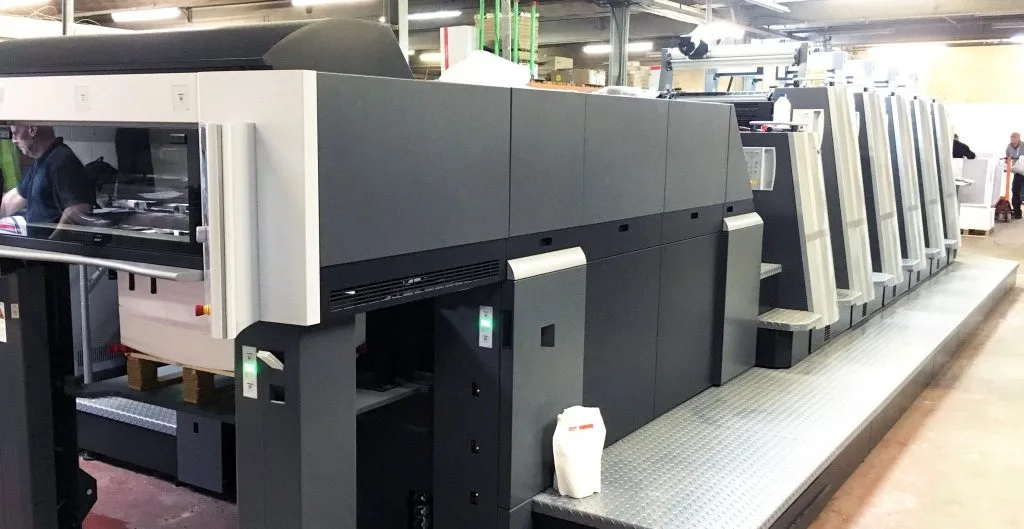
Leaflets, brochures and catalogues on B2 litho and digital presses, with every file checked in pre-press.
Explore the service